
Self-hosted control
Run Deployr in infrastructure you manage, with available capabilities shaped by host platform, operating mode and configuration.

From software development to live infrastructure operations, Deployr gives technical teams one place to manage applications, releases, servers and supporting services. Self-hosted by design and built around deliberate, authorized changes.
From Idea to Operation. · Developed by CUR-DEV B.V.
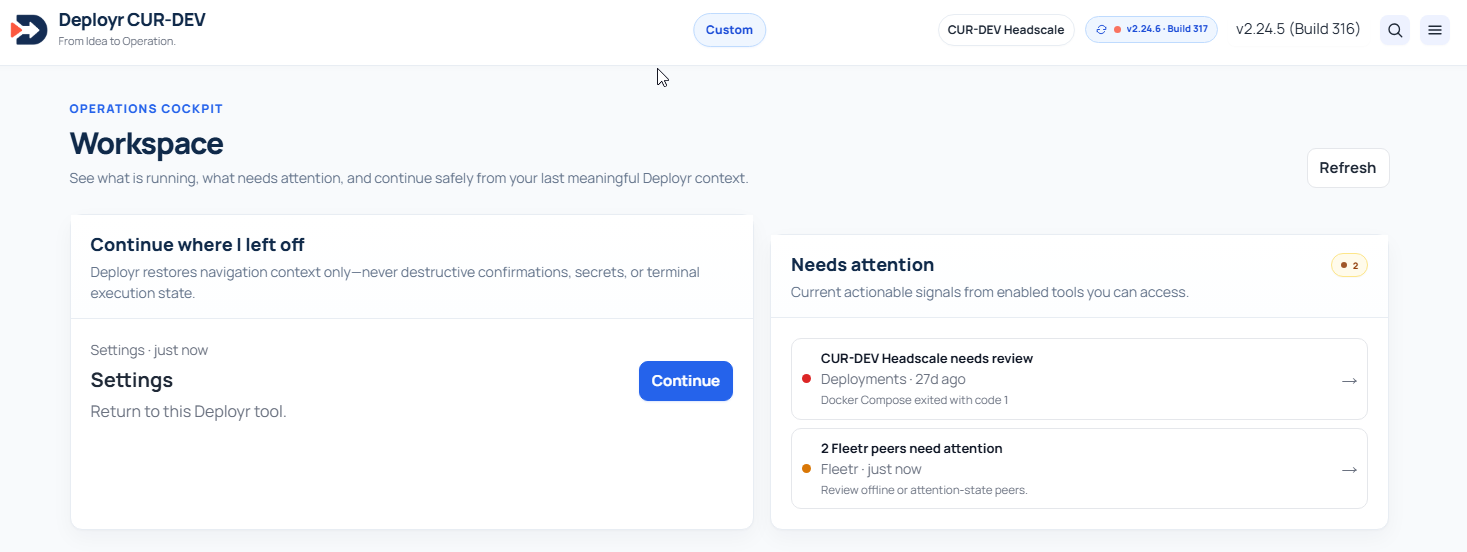
Modern applications depend on more than code. Teams need to manage environments, deploy releases, maintain containers, configure networks and HTTPS, work with databases, monitor services, protect important data and troubleshoot issues.
Deployr brings many of those workflows together in a single self-hosted workspace while retaining review steps, permissions and explicit confirmations for sensitive operations.
Run Deployr in infrastructure you manage, with available capabilities shaped by host platform, operating mode and configuration.
Sensitive actions are designed around capability permissions, previews, validation and explicit operator confirmation where supported.
Connect supported local/private Ollama models for contextual guidance while keeping human authorization in control of changes.
Pair trusted Deployr instances with Fleetr and work with specifically authorized remote nodes without losing target context.
Real Deployr interface views supplied by CUR-DEV.
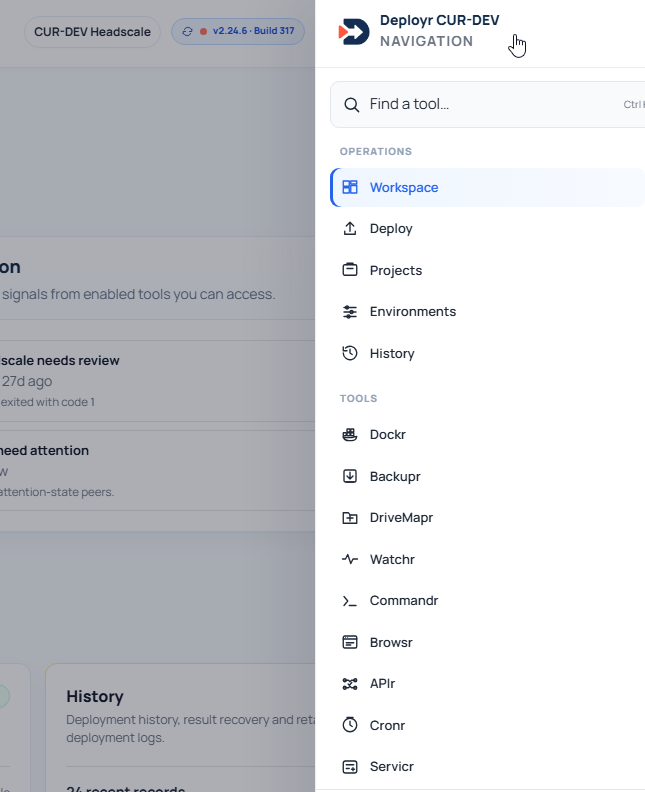
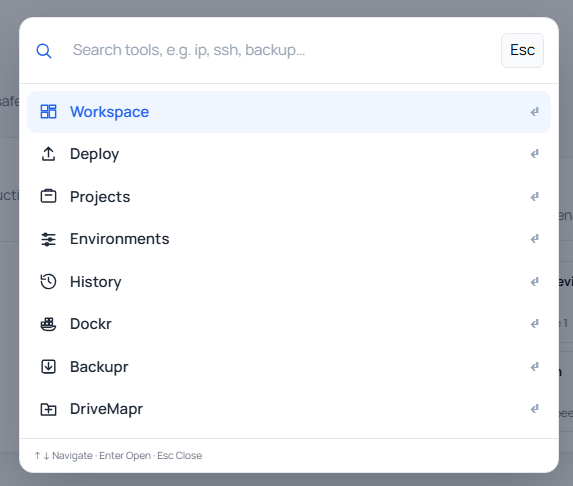
Available tools depend on deployment mode, platform prerequisites and assigned permissions.
Register projects, organize development, test and production environments, review release packages and retain deployment history.
Inspect containers, Compose projects, images, networks, volumes, logs and runtime state, with permitted lifecycle controls.
Use Servr, Commandr, Servicr, Cronr and DriveMapr for host visibility, managed SSH/SFTP, services, scheduled jobs and storage inspection.
Work with supported Apache sites, backend mappings, TLS workflows, Cloudflare DNS/DDNS, IP access policies and UFW management.
Connect to supported MySQL, MariaDB and PostgreSQL environments for scoped schema exploration, browsing, queries and administration.
Observe supported health indicators and alerts while planning encrypted off-host backups, snapshot inspection and isolated recovery staging.
Pair trusted Deployr nodes for authorized remote operations and use restricted managed reverse SSH tunnels for supported connectivity scenarios.
Buildr, Scriptr, APIr and optional Browsr connect release planning, scripts, API inspection and compatible browser sessions to operations.
Configure supported Ollama integrations and use contextual, read-only guidance while keeping code and infrastructure changes under human review.
Combine roles, optional MFA, module governance, protected secrets, activity records and signed operator-approved update workflows.
Manage project releases, environments, APIs, scripts and related server operations through one connected workflow.
Work with supported Docker, Linux, networking, monitoring, scheduling and database workflows while retaining oversight of sensitive actions.
Coordinate trusted multi-node operations across supported customer or internal infrastructure with distinct permissions and node context.
Use a platform designed to operate inside infrastructure you control, selecting the deployment mode and modules that fit the environment.
Deployr is designed to assist authorized operators rather than silently make infrastructure changes on their behalf.
Intended for supported Linux hosts where authorized host-management functionality is required. Available capabilities vary by operating system, architecture, prerequisites, Machine Profile and permissions.
A deliberately lower-privilege deployment with a subset of Deployr functions. It does not grant the same host access as Native mode.
Current documented platform eligibility includes supported AMD64 and ARM64 configurations, plus a reduced Native Core profile for eligible ARMv7/armhf devices. Not every feature is available on every architecture.
Deployr is a self-hosted software development, deployment and infrastructure operations workspace developed by CUR-DEV B.V. It combines tools for releases, Docker, Linux operations, publishing, databases, monitoring, backups and controlled AI assistance.
No. Docker and Compose are important parts of Deployr, but the platform covers a broader application and server operations workflow including projects, deployment history, SSH/SFTP, DNS, Apache, databases, monitoring, security and backup planning.
Yes. Deployr supports selected local/private Ollama integrations and AI-assisted functions. Its in-app assistant provides read-only operational guidance; infrastructure changes still require operator authorization.
Deployr includes Fleetr for pairing trusted Deployr nodes and performing supported remote operations with explicit authorization. Commandr also supports managed SSH/SFTP connections.
No. Deployr includes encrypted backup planning and guided recovery staging for supported sources, but full application recovery still requires deployment-specific procedures and testing.
Deployr provides supported Apache reverse proxy, TLS and Cloudflare DNS workflows. A working public HTTPS service also depends on DNS, network ingress, firewall/NAT and certificate behavior in the target environment.
Talk to us about your servers, applications, deployment requirements and operating environment.